
Even before the upheaval in teaching methods and environments caused by the COVID-19 pandemic, Varia Vocational College's preparatory training team had been brainstorming and developing practical, field-specific forms of distance and self-study suitable for diverse learners. The challenges were twofold: the team was spread across different vocational fields — collaboration happened more between vocational teachers across different fields than within the team — and many students with immigrant backgrounds, especially adult learners, often had fairly limited digital skills. During hybrid and distance teaching periods, the need for varied learning tasks serving different teaching needs only grew.
Building the VR Exercise
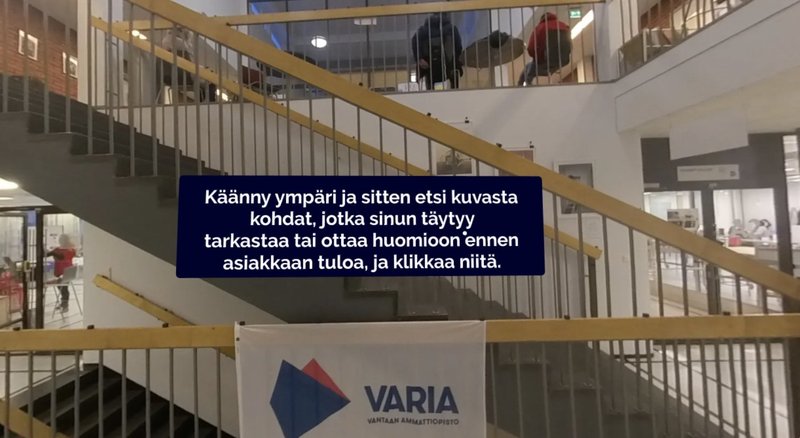
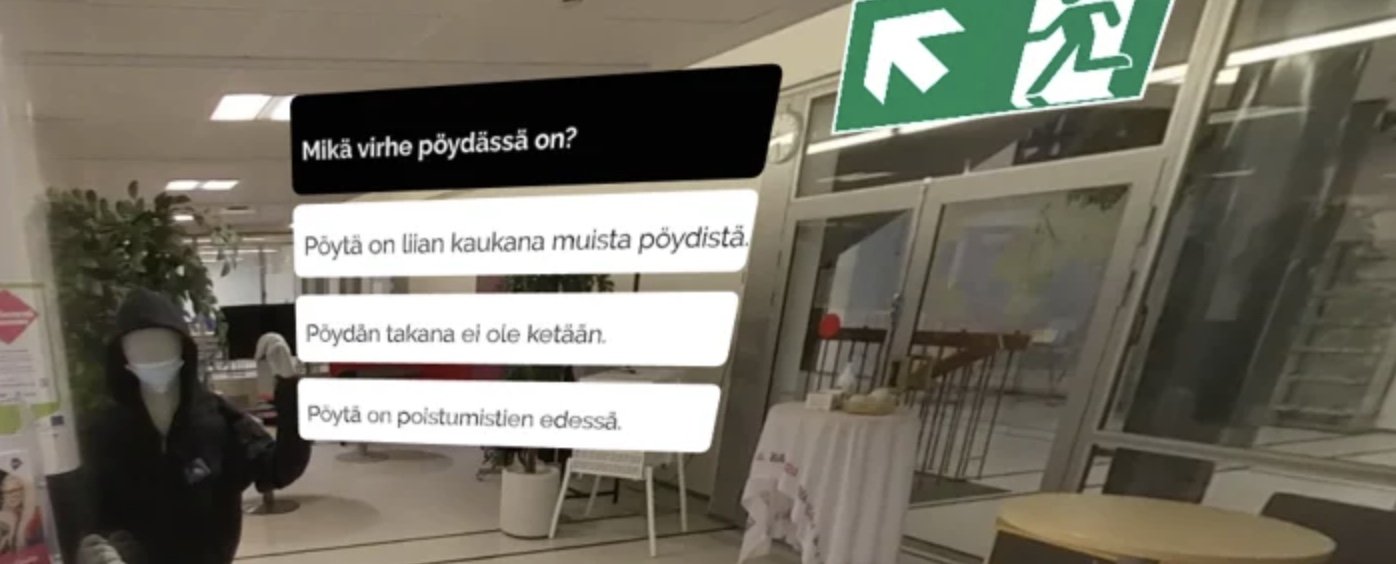
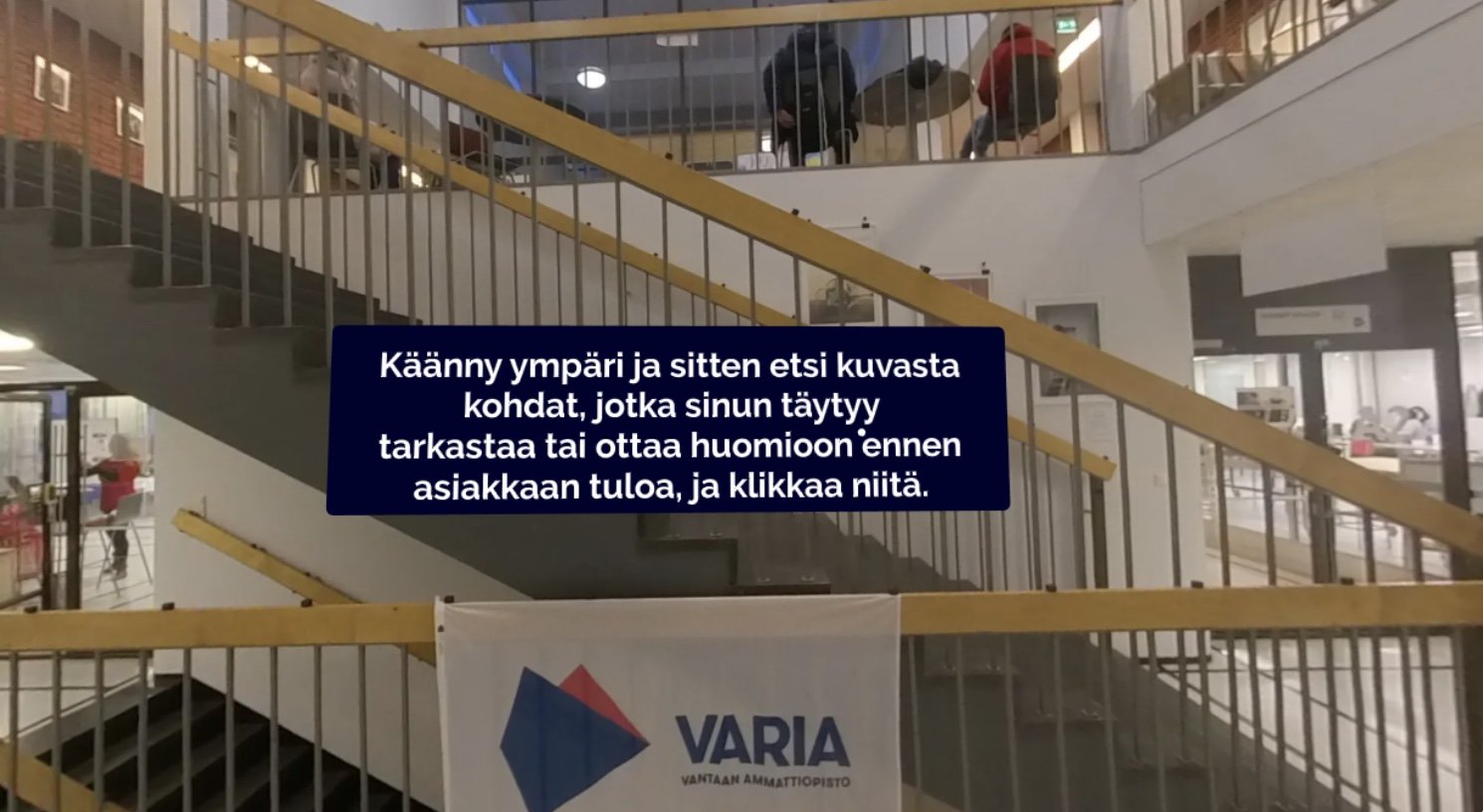
With these starting points, we set out to create a VR exercise for the customer service group run by the preparatory training team, in collaboration with virtual learning environment developer 3DBear. The Wonda VR exercise platform maintained by 3DBear is based on viewing 360-degree photos or videos, rotating the viewing angle, and pressing clickable hotspots placed within images or reading various text cards and questions that appear over the image. Our goal was to create a virtual space where students could familiarize themselves with the work environment in a situation as close to reality as possible and test their own competence in an exercise that simulates an actual work situation as closely as possible. At the same time, the goal was to pilot the Wonda VR platform and learn how to design and build VR exercises.
From Script to Filming
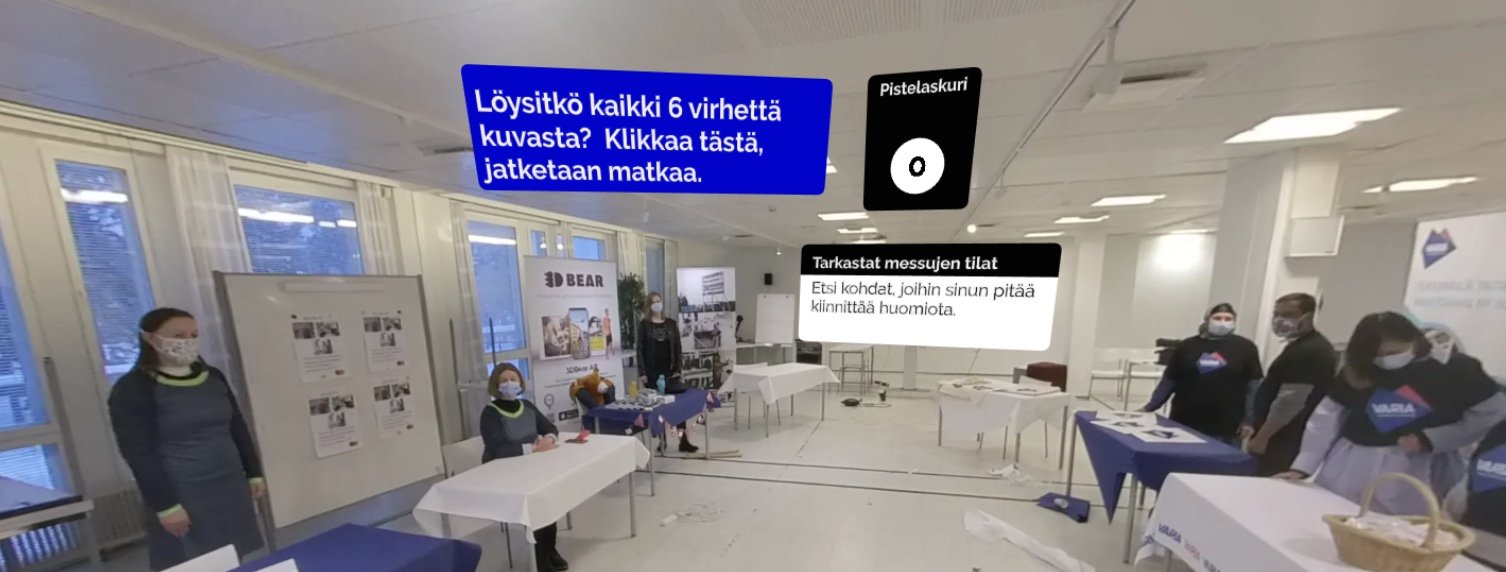
Everything starts with a script. We sketched out a trade fair as the framework for the exercise, where the student's task is to act as an event organizer — taking care of both the space's cleanliness and responding to the concerns and questions of exhibitors and customers. During the scripting phase, we conceived three scenes: two set near a staged info desk in the A hall of the Hiekkaharjun campus and one in the Library space next to the hall. In the first two sections, students must find things in the space that are untidy or somehow wrong, and in the third they must respond to various questions and concerns from people arriving at the fair.
The most important tool for building the exercise was a 360-degree camera. We used it to film both before-and-after variants of the fair spaces and videos of customer service situations. Including set-up and teardown, filming took about one working day. The actual filming session took about a morning, which also included student guidance, line rehearsal, and other staging work. Key to the tight schedule was the scripting and the accompanying flowchart, which had precisely planned all scenes to be filmed, the people needed, and the props. Script development also seemed to be the work phase that takes the most time and effort to learn for teams new to the platform.
Filming was followed by the final and most time-consuming stage: uploading the videos to the design platform and building the actual exercise around the 360-degree videos and images. Fortunately, the design tools are quite intuitive to use and work logically enough that learning them was fairly effortless for everyone who got to try them. Not every idea we came up with could be accommodated by the platform's tools, but building a straightforward exercise with it was quite quick and easy.
For filming, staging, and dialogue, we had written the script in advance, but the exercise-related texts (questions, answer choices, feedback texts, instructions, and prompts) were written during this phase. I personally found it useful to work in a way where vocational teachers brought the professional perspective and I, as a language teacher, brought the linguistic perspective and the need for sufficiently clear expression from the target group's point of view. At the same time, we could bounce around ideas, vocabulary, phrases, and other communication needs that we wanted to use in the exercise from both the vocational and language learning perspectives.
Testing and Feedback
The finished exercise was tested with two students. Feedback was collected both by observing the exercise being completed live and by interviewing the students afterwards. Based on feedback, we refined instructions, adjusted the timing and placement of text cards. A key finding from the student pilot was that the placement, number, and clarity of clickable hotspots need careful attention. We too had placed several clickable targets so close together that students easily clicked the wrong one multiple times. Student feedback was positive, and we also received the important insight — seemingly quite obvious in hindsight but something we hadn't considered at all — that the exercise was suitable specifically for students in the final stage of their training. Beyond fitting the exercise to the qualification module, it's therefore worth considering already in the planning phase at what point in the module the exercise is intended to be used. We also noticed that this type of exercise format may not be suitable for self-study — teacher support was essential, especially for students doing this type of exercise for the first time.
From my perspective, designing and implementing the exercise on the virtual platform was a very interesting process, and I hope to continue working in similar contexts. Not only did the exercise seem interesting to the students, creating it was an enlightening experience for all the teachers involved as well. I personally learned a lot from the vocational teaching perspective, while also being able to bring the language teaching perspective when writing exercise texts. Additionally, the exercises offer a tool for teaching digital skills to adult immigrants and certainly to other adult students as well. Especially in these unusual times, they are truly needed.
Video: Customer service in the profession — the process of creating a virtual learning environment and a look at the exercises. Presentation on 6 April 2021 at Varia. Johanna Huhtio and Jan Hokkanen.
Ilkka Jaakkola, Finnish Language Teacher, Varia